
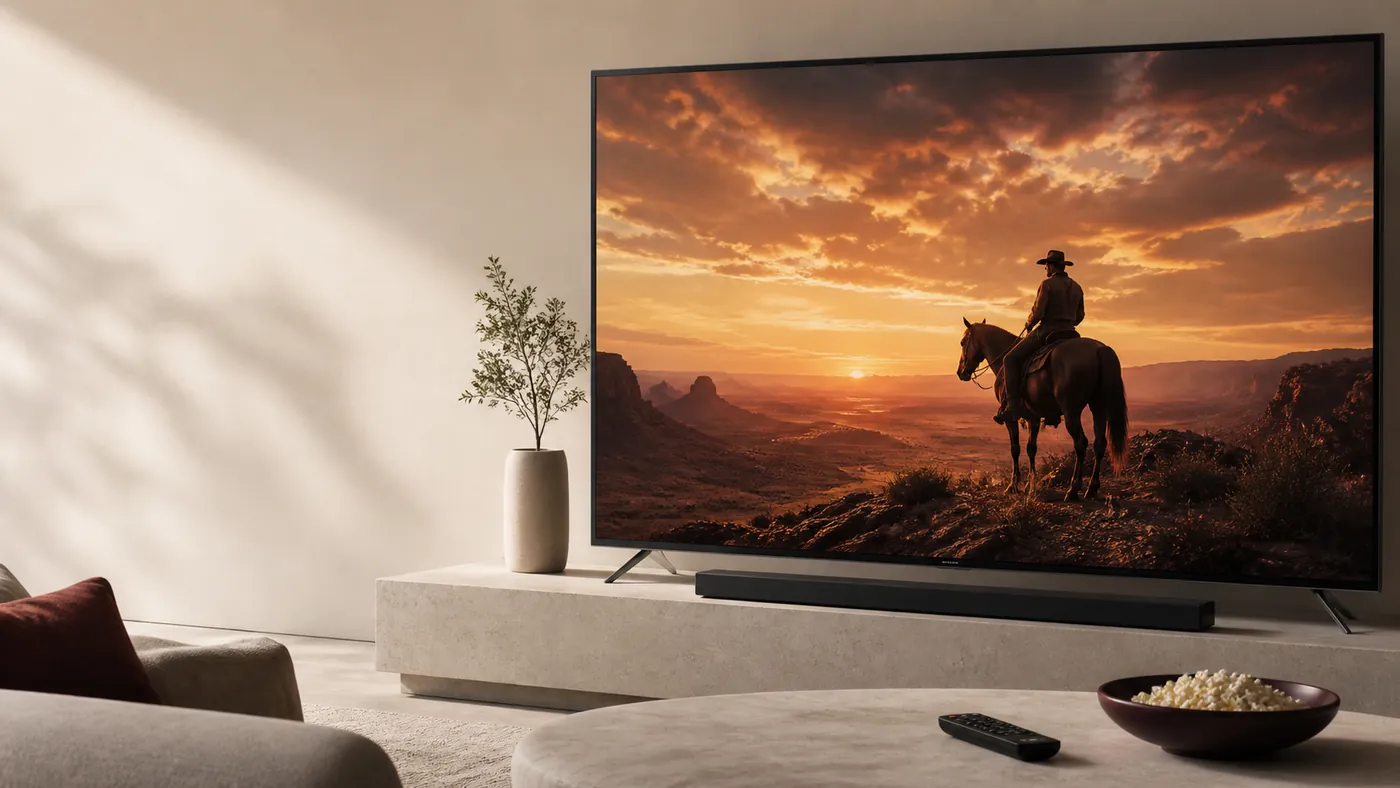
Live TV for the whole home
Great
entertainment,
beautifully
simple.
Find plan details, device setup guidance and support for your home.
- ✓Live Channels
- 2✓Movies & Series
- No card needed
- Instant activation






Watch on your favorite devices
Smart TV
Amazon Firestick
Mobile
Tablet
Computer
Streaming Devices
Three simple steps to start
-
Create your account
Sign up in less than a minute.
-
Activate instantly
No cards. No waiting.
-
Start watching
Enjoy on any device.
CloudStream —
Streaming Player
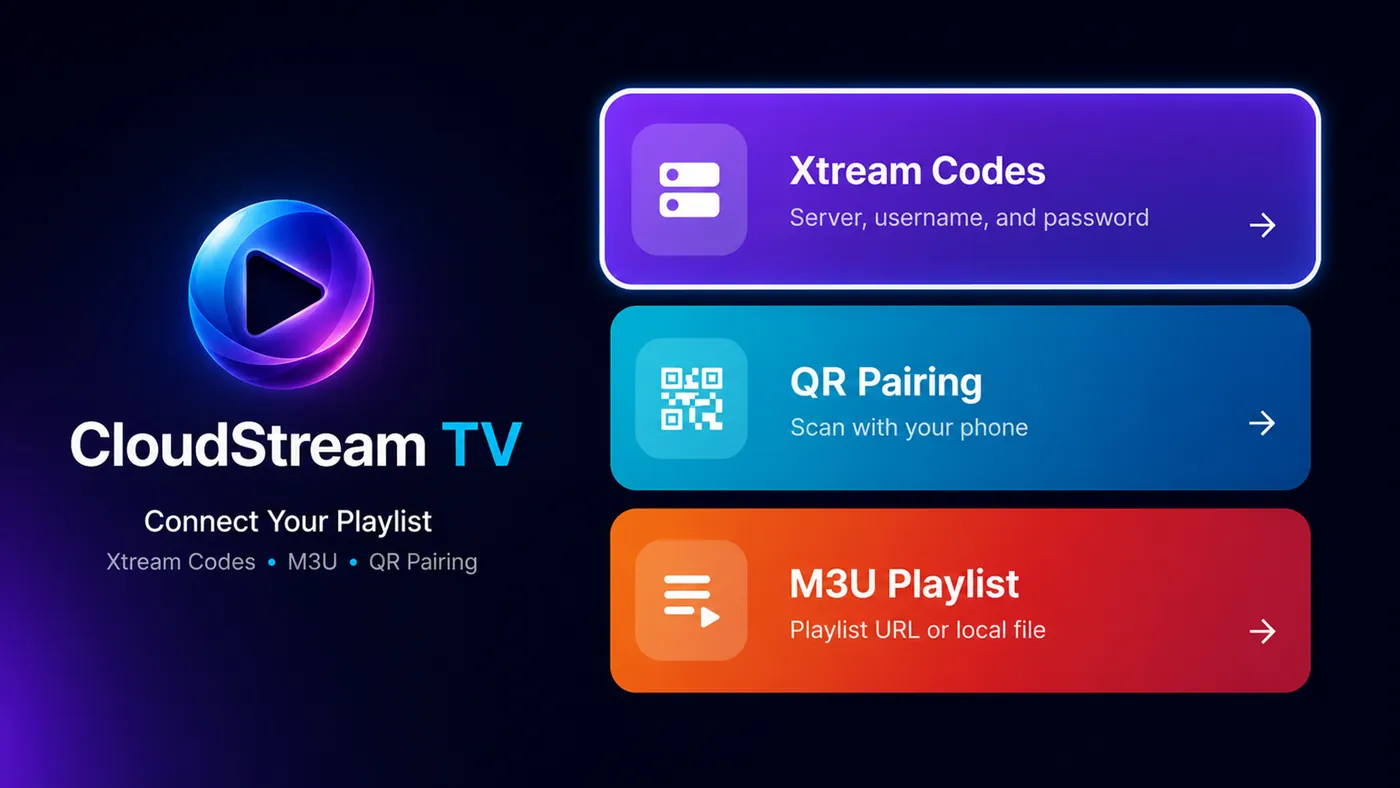
Bring your own playlist to one clean player for Android phones, tablets and Android TV. Supports M3U, M3U8 and Xtream Codes.
- Fast playlist setup
- TV-friendly navigation
- Search, guide and favorites
CloudStream is a media player. No channels, movies or series are included.
Amazon Firestick
Install CloudStream on Firestick
- Install the free Downloader app from the Amazon Appstore.
- Open Downloader and enter the code 1724334.
- Press Go, then Install, and open CloudStream.
Downloader code
If your Firestick asks, allow Downloader to install unknown apps: Settings › My Fire TV › Developer options.
Choose the plan that fits your home.
-
Free Trial — 24 Hours
€0
-
1 Month
€19
-
3 Months
€49
-
6 Months
€69
-
BEST VALUE
12 Months
€89
-
24 Months
€149
-
36 Months
€199
-
48 Months
€249
- All plans include live TV, movies & series
- Watch on multiple devices
- Cancel anytime
Customer feedback
Review us on TrustpilotShare your WatchLiveTV Now experienceFrequently asked questions
How does the free trial work?
The 24-hour trial includes complete access and does not require a credit card. Support can activate it within minutes.
What devices are supported?
Smart TVs, Android TV, Amazon Firestick, Android phones and tablets, iPhone, iPad, Windows, Mac and web players are supported.
What internet speed do I need?
We recommend 10 Mbps for HD and at least 25 Mbps for 4K. A stable connection is more important than peak speed.
How do I receive my activation?
Once your order is confirmed, access details and setup instructions are delivered directly to you.
Do you offer refunds?
IPTV subscriptions are non-refundable once service access has been granted, except where required by law. Contact support if you need help with your order.
Why is my stream buffering?
Buffering is often caused by Wi-Fi congestion or an unstable connection. Read the buffering troubleshooting guide for step-by-step checks.
Can I use multiple connections?
Standard plans include one active connection. Extra connections are available through our support team.
What payment methods do you accept?
Major cards, PayPal and cryptocurrency are supported. Contact support if you need help completing payment.
Need help?
Chat with us on WhatsApp.
Our support team is here to help you.